Know your child is really learning — not just finishing pages.
Use the curriculum you already love. Rinkle shows when your child is focused, stuck or ready for more — so you can stop guessing and teach with confidence.

Not just whether the work got done — where attention held, where it slipped, and which question caused the trouble.
You’re the teacher, the principal and the parent.
You chose this because you care. Rinkle helps you know it’s working — with real readings from every lesson, not guesses.
With Rinkle: A plain summary after every session shows what your child understood, what to practice, and the moment they got stuck.
With Rinkle: Quick checks drafted from the lesson show exactly which questions were missed — no guessing, no waiting for a test.
With Rinkle: Rinkle checks what you know, fills the gaps, and builds lessons with teacher notes — so you’re never guessing.
With Rinkle: Track skills from kindergarten readiness to transcripts, plus real-world AI and career skills for older kids.
With Rinkle: Rinkle notices when your child is stuck or drifting and tells you when to step in — not just that they’re busy.
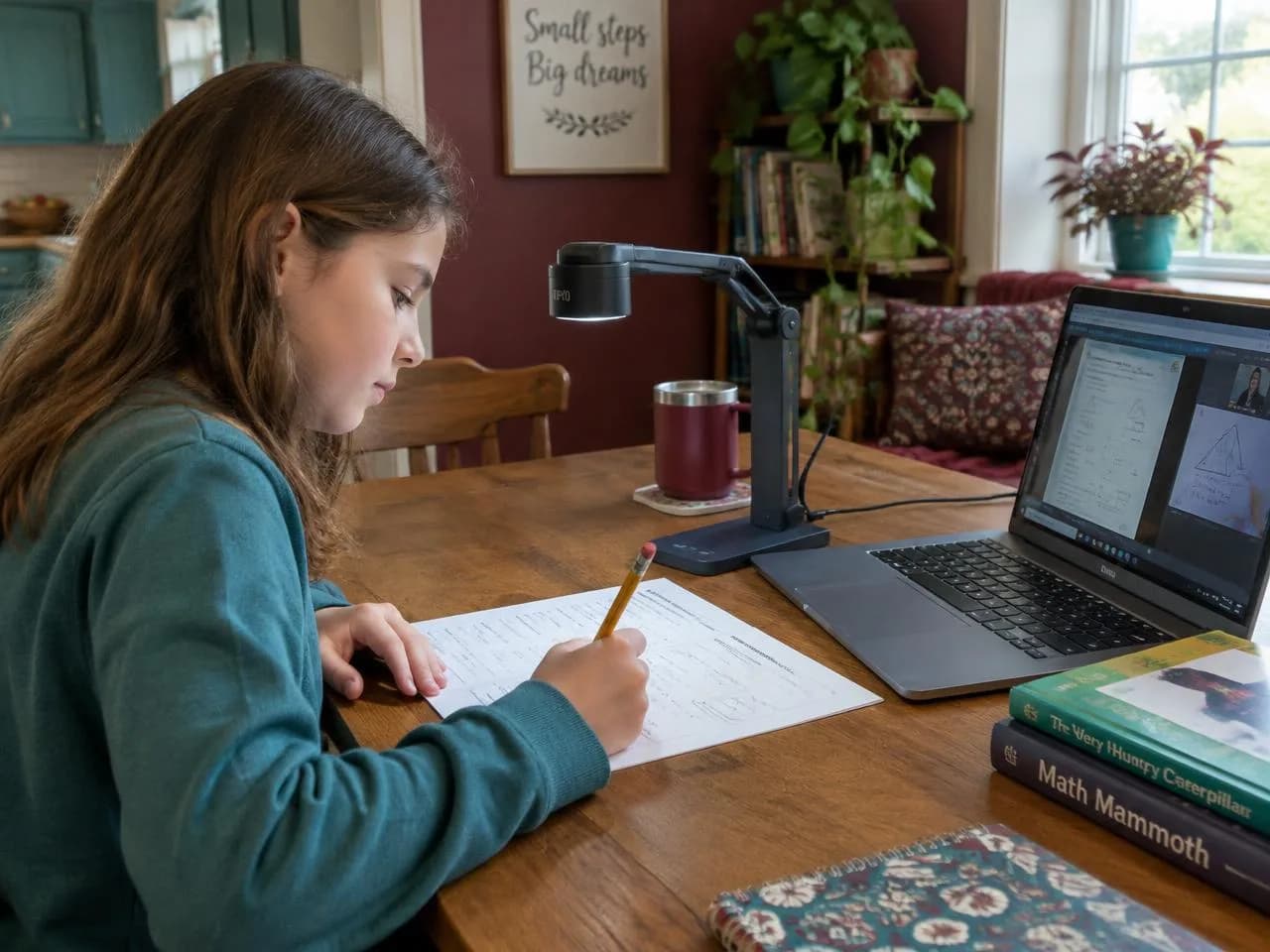
With Rinkle: A document camera notices when your child is working on paper — so handwritten math, notes and drawings count as real learning, not idle time. Optional, and it stays on your computer.
With Rinkle: Learner profiles, adaptive difficulty, skill-building practice and an AI study companion shape each lesson around each child.
With Rinkle: Every session is logged for you — time on task, subjects covered, quizzes taken and progress over time.
With Rinkle: Only assigned sites open, video never leaves your computer, and you can delete your child’s data anytime.
Three steps, whatever you teach.
Every session, turned into insight you can act on.
See where the time went, how attention held, where confusion showed up, and who needs you first — so you can tell a hard lesson from a distracted afternoon.
From the lesson she opens to the one you teach next.
See when to step in
While Maya works, Rinkle estimates attention and possible confusion. It tells you when she's stuck, not just that she's busy.
A quick check on what she just did
Rinkle drafts a short quiz from the lesson. Send it and see exactly which questions she missed.
Know what to go over tomorrow
One plain finding: what Maya understood, what to practice, and the moment she got stuck. In your inbox when she's done.
A full learning platform, not just a dashboard.
Everything a homeschool family needs to plan, teach, see what’s working and keep records — in one place.
Learner profiles, adaptive difficulty, skill-building exercises and an AI avatar study companion that talks with your student.
Use the sites you already love or upload your own slides, PDFs or textbook. Rinkle builds lessons, assignments, quizzes and projects from them.
A homeschool hub, parent check-ins and surveys, multi-child dashboards and plain-language reports in your inbox.
On-device camera readings of attention, focus, possible confusion, fatigue and cognitive load, plus typing, notebook-writing, app activity and voice cues. Video never leaves the computer.
Quick checks drafted from the lesson, AI review of written check-for-understanding answers, mastery heatmaps and automatic reteach groups.
Students work in the Rinkle browser, where only assigned sites open, and every session can be replayed by site and moment.
See all features
Read-aloud, extended time, Spanish captions and a dyslexia-friendly font, switchable per student.
A live lecture room with your presentation built in, a pacing timer that follows the lesson’s own timing, and a live class engagement grid for in-person and online students together.
A hands-on module that teaches older students to use AI tools responsibly, with job simulations and prompt practice.
Teacher PD recommendations from classroom data, an admin portal, rosters, and consent and compliance management.
Your child's data stays with you.
Read our privacy approach →What leaves the computer is a handful of numbers, not a picture.
Start your family pilot in a few minutes.
Add your children, do a 3-minute check-in, assign your first lesson.
Questions
Showing answers for homeschool families · switch